
Meet SoftRyva CutLume AI
Smart Background Studio • Offline-first image editing • A new independent SoftRyva app
What if removing a background felt as simple as choosing a picture? That idea is at the heart of SoftRyva CutLume AI, a new standalone Windows desktop application created for clean cutouts, flexible image backgrounds and a focused editing workflow.
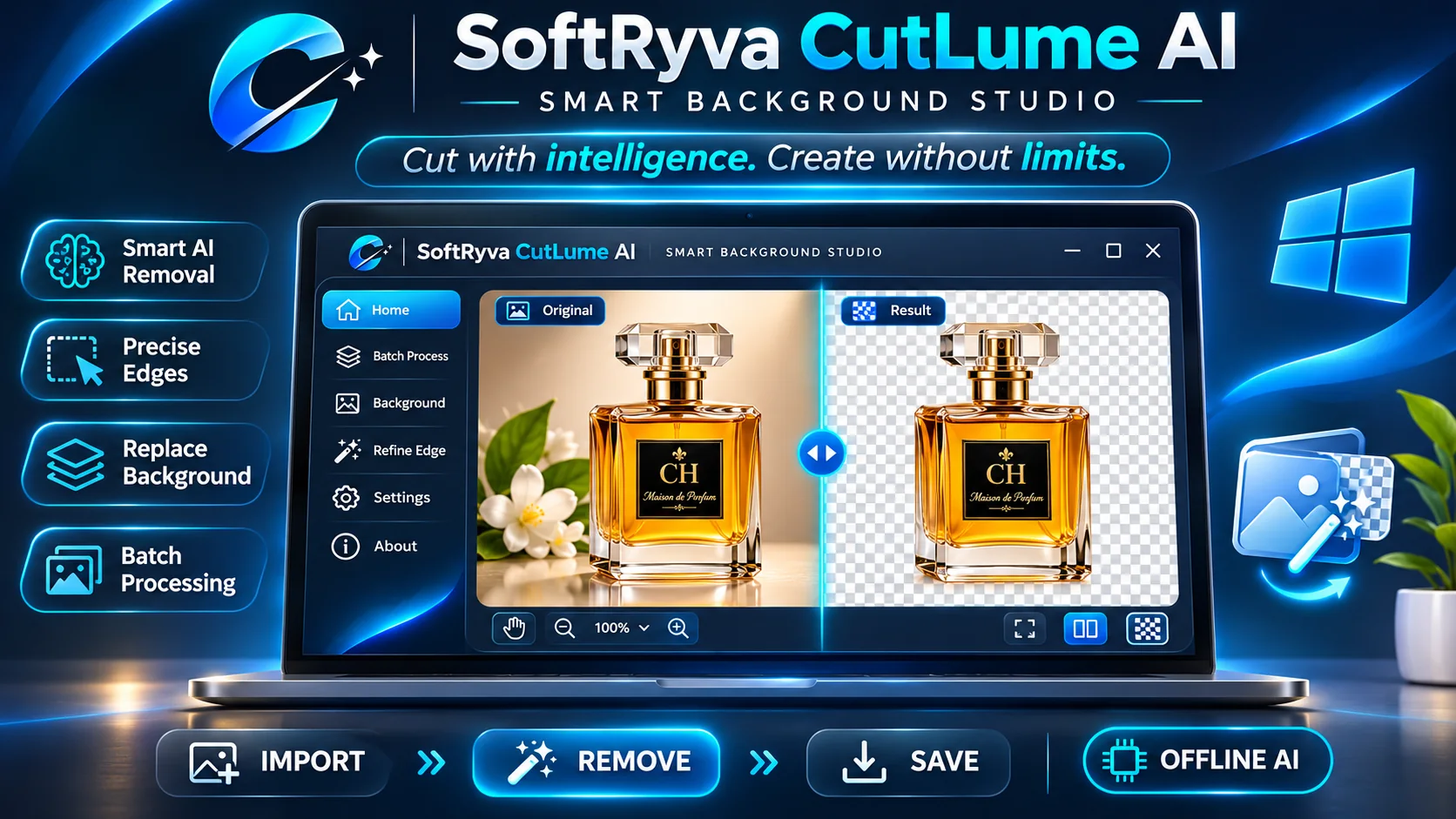
CutLume brings essential actions together in one calm, dark-blue studio: Import → Remove → Save. You can start with the automatic AI removal workflow, then open more detailed tools only when an image needs attention.
Promotional illustration of the CutLume AI concept; the final Windows interface and results may differ.
A smarter workspace, without extra complexity
CutLume AI is designed around a Studio Pro workspace inspired by the clarity of professional photo editors, but without requiring users to configure neural-network models. The essential work stays in the center; optional controls are available when needed.
- Result-first preview: view the completed cutout in full, with optional original view and side-by-side comparison.
- Zoom and pan: look closely at difficult boundaries before saving.
- Background options: choose transparency, white, a solid color or another image.
- Optional edge refinement: erase unwanted areas, restore missing details and undo adjustments.
- Flexible export: prepare PNG, JPG or WebP files while keeping the source picture unchanged.
- Batch and session history: development-preview tools for processing multiple images and reviewing exports made during a session.
Three steps from photo to cutout
Designed with offline AI in mind
CutLume's development version performs image-processing work locally rather than sending your photos to an online removal service. Its Windows build is designed to use local AI models instead of requiring an online background-removal service.
On the first run, you may see "Preparing Offline AI" while the program initializes its local processing resources. This can take longer than later operations. Initial loading may still take longer on some computers. Offline first-run operation of this downloadable Alpha build has not yet been independently verified on a clean Windows installation.
A studio for different creative tasks
Use the transparent cutout as the starting point for product listings, presentation graphics, thumbnails and personal projects. A product photo may need a clean white background; a social graphic might benefit from a custom color or a new scene. CutLume aims to make those choices available in the same workspace.
Important: automatic background removal is not perfect for every image. Fine hair, glass, transparent materials and intricate edges may still require inspection or manual refinement.
Release status and Windows availability
V1.0.0 Alpha 1 • Windows desktop installer • Free preview
⇩ Download for Windows (EXE)Prefer to see the release details? View the GitHub release page.
This is an Alpha test release, not a final stable version. Windows may warn about an unsigned installer; keep your security protections enabled.
Frequently asked questions
Is CutLume AI the same product as SoftRyva Background Remover?
No. CutLume AI is a separate application with its own name, icon and installer identity. Its Alpha 1 installer is distributed through the SoftRyva GitHub releases repository.
Will the final Windows application need the internet to remove backgrounds?
The goal is a fully local, offline-first workflow with a bundled AI model. Independent first-install testing is required before that promise can be confirmed for the public release.
Why might the first operation be slower?
The app may need to initialize its local AI engine and load the model into memory. Later operations can be quicker because reusable resources are already prepared.
Which format should I choose?
Choose PNG for transparency. JPG does not preserve transparent pixels. WebP can be useful for suitable web graphics, depending on the chosen export settings.
Does CutLume guarantee perfect cutouts?
No automatic model is flawless. The preview, zoom controls and optional refinement tools are there to help you inspect and improve difficult edges.
SoftRyva CutLume AI • Smart Background Studio • Cut with intelligence. Create without limits.